
Guides
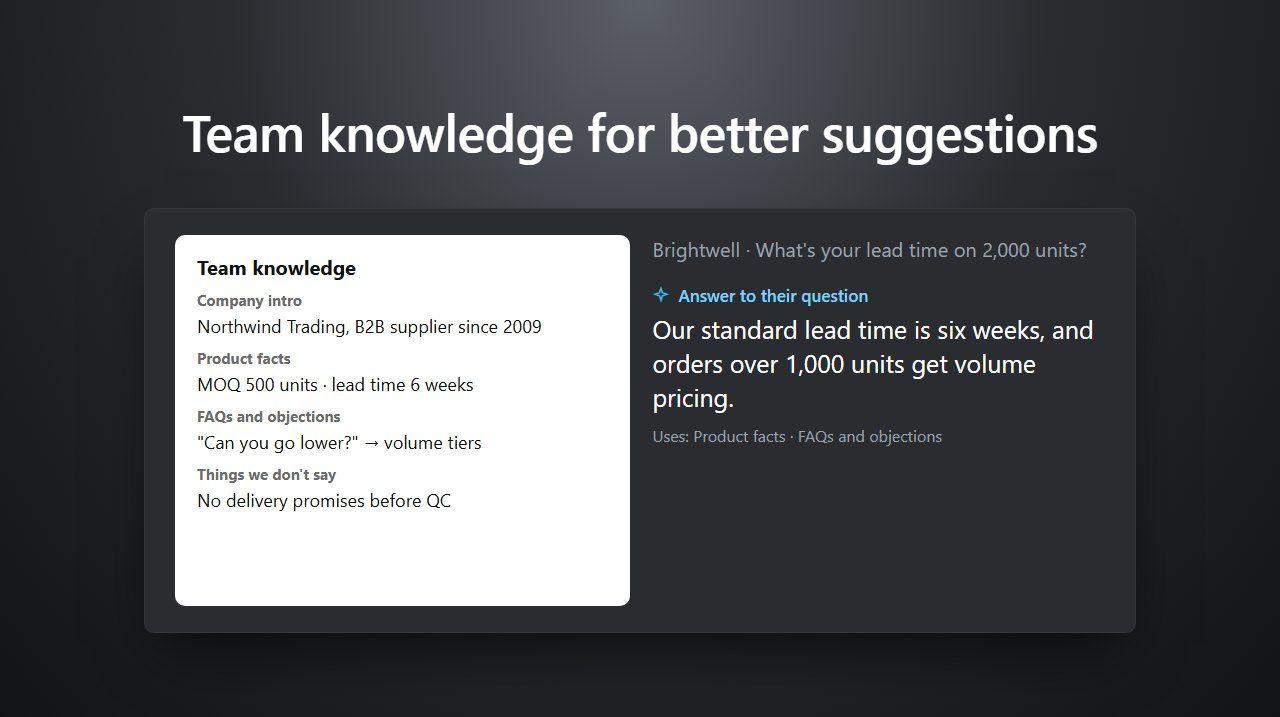
Set up team knowledge so suggestions use your company's facts
On the Business plan, give Deeptrue your product facts, agreed answers and rules, so everyone's meeting suggestions stay accurate. Step-by-step setup.
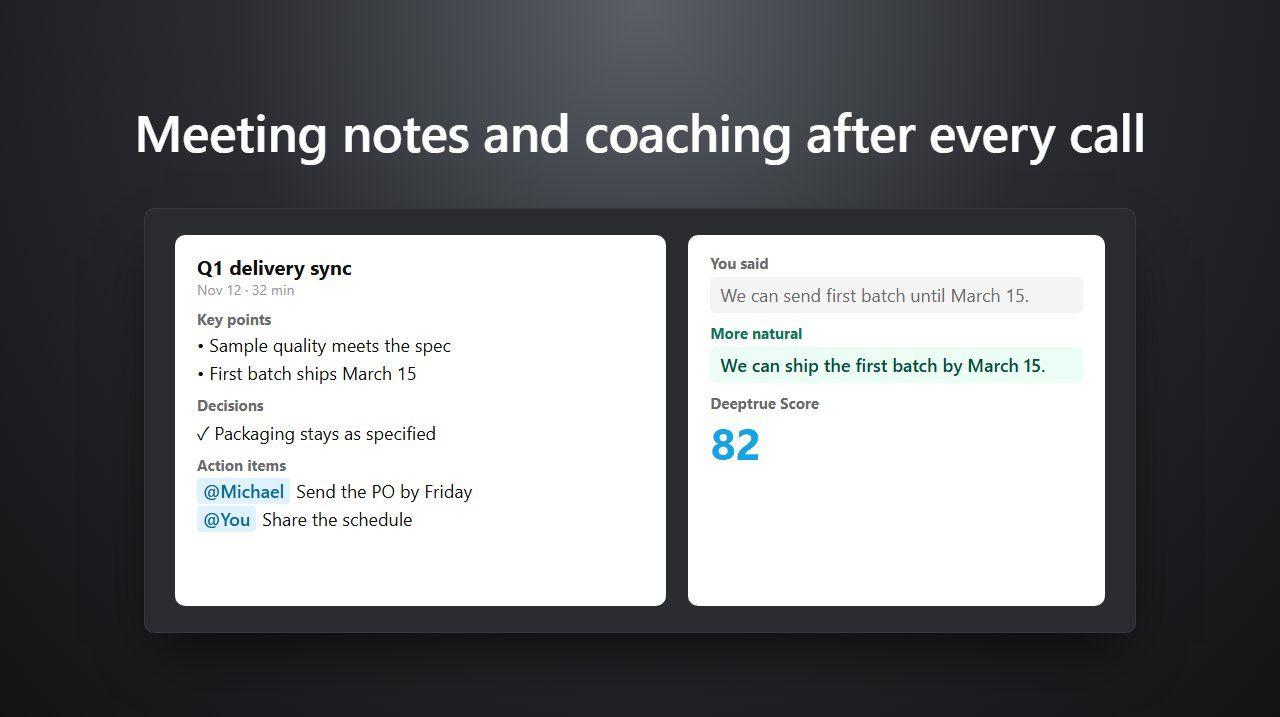
Get meeting notes and coaching after every meeting
After every meeting, Deeptrue writes notes with decisions and action items and coaches what you said. Where to find the report and how to share it.
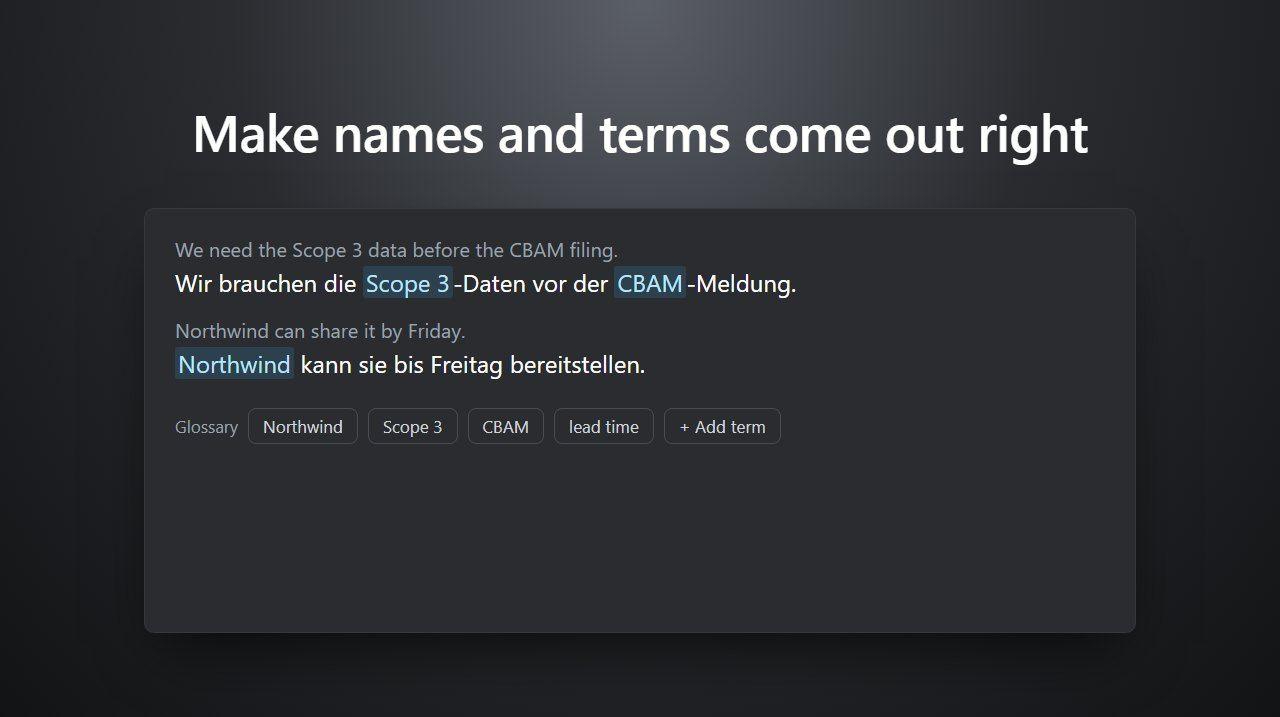
Make names and terms come out right with the glossary
Add client names, product names and jargon to the Deeptrue glossary so captions, translation and suggestions get them right. Personal and team steps.
Virtual Audio Driver Troubleshooting Guide
This guide helps you resolve issues when the virtual audio driver installation fails during setup.
Simulate Your Meeting with Practice Mode
Try Deeptrue before your real meeting with Practice Mode. Simulate conversations with an AI partner and build confidence in using live translation features.

Ask, Translate, and Speak Naturally
Speak naturally in any language with real-time translation and AI support.
Let Deeptrue Suggest What to Say Next — Like a True Copilot
How to Use Smart Suggestion to Speak Naturally in Global Meetings
Speak with a Translated Voice in Zoom or Google Meet
Speak through Deeptrue in Zoom, Meet, or any other platform
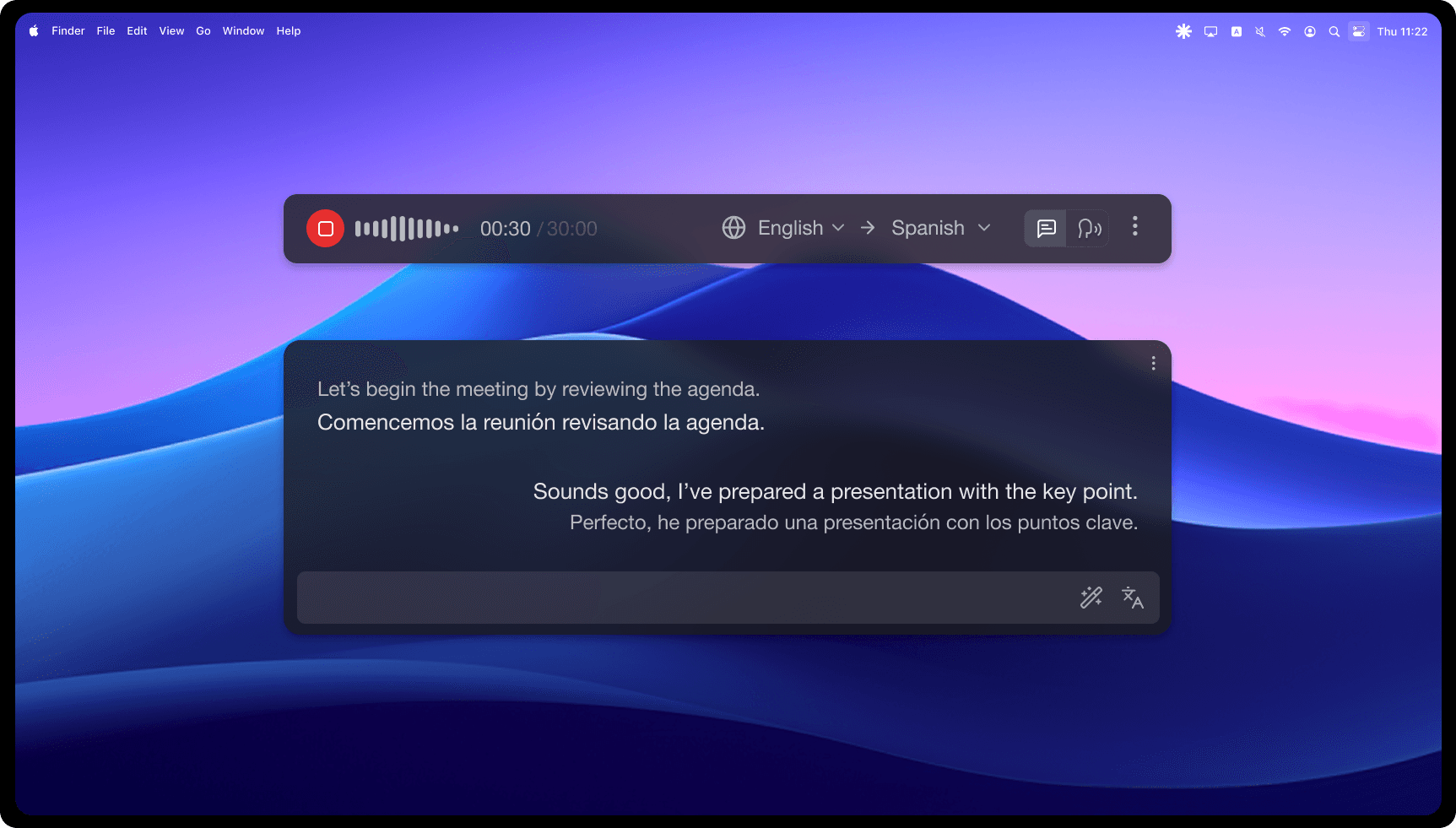
What is Deeptrue?
Deeptrue is your real-time AI copilot for global communication.
Getting Started with Deeptrue
A two‑minute walk‑through for your very first Deeptrue call