
Changelog
Pronunciation Guide & Shadowing (Beta)
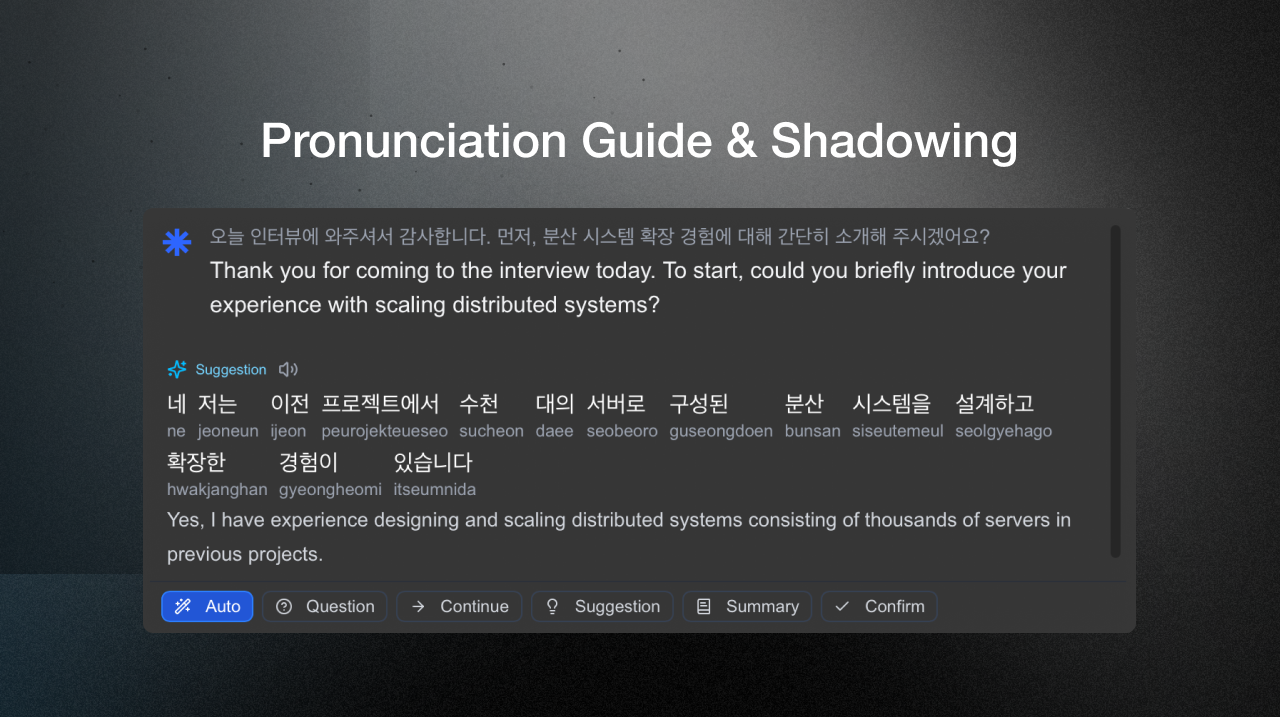
We’re introducing two new features that help you speak more confidently in any language, even if you can’t read it fluently yet.
What’s new
- Pronunciation Guide: When you receive a Smart Suggestion in another language, Deeptrue now shows a phonetic version in your native script (e.g., Japanese text shown as “Konnichiwa”) so you can read it out loud naturally.
- Shadowing Mode: Hear the AI read the suggested sentence aloud, then repeat it to practice tone and rhythm. Ideal for pronunciation training or learning new languages.
These features are currently in beta. It may run slower in live meetings and is best used for learning or preparation sessions.
UI/UX Overhaul, Ask AI, & Meeting Transcripts
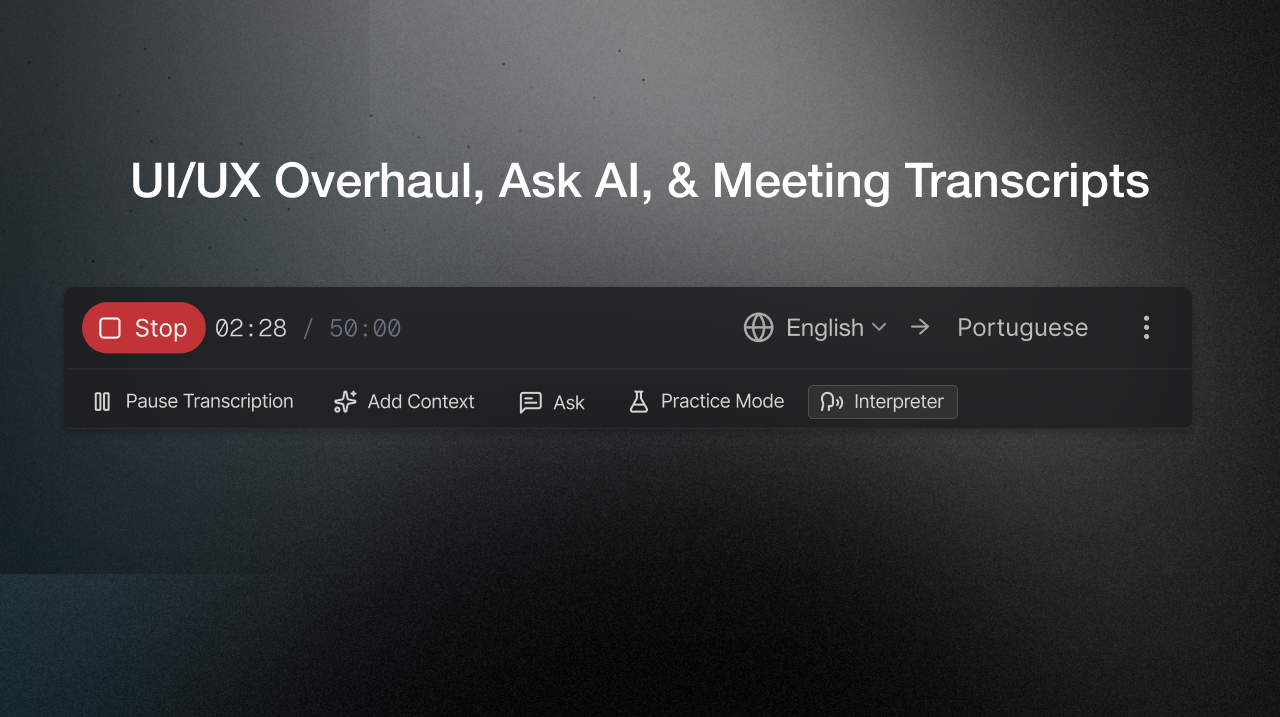
We’ve refreshed Deeptrue’s interface to make your meetings smarter and smoother.
What’s new
- Unified Control Bar: Core features like Smart Suggestions, translation, and AI tools are now centralized in one main control bar for quicker access.
- Ask AI: Got a question during a meeting? Simply ask Deeptrue’s AI. It understands the context of your live discussion to help with summaries, sentence refinement, and Q&A.
- Auto-Saved Transcripts: Every meeting is automatically saved for easy review. You can find them under More Options (…) → Meeting Transcripts.
This update makes navigation simpler and your meeting experience smarter.
Language Support & Speech Recognition Update
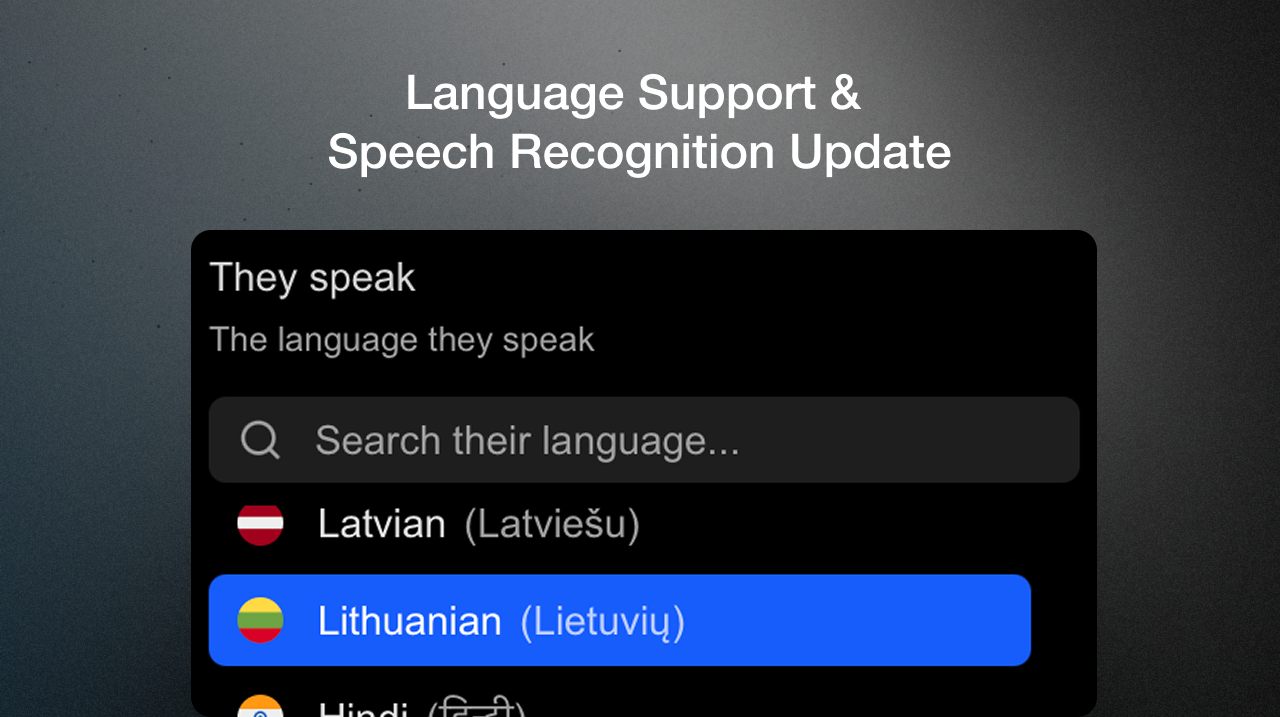
Languages Refreshed
We’ve refreshed our supported languages and improved speech recognition for smoother experiences in every meeting.
What’s new
- Added: Latvian (lv), Lithuanian (lt), Estonian (et), Thai (th)
- Removed: Filipino (fil), Arabic (ar), Czech (cs), Croatian (hr), Tamil (ta), Urdu (ur)
- Speech Recognition Boost: Accuracy and stability have been significantly improved, making transcriptions clearer and more reliable in real time.
This update ensures that our platform stays focused on the most reliable and widely requested languages.
If your team needs support for additional languages, please let us know. We’re continuously evolving our roadmap based on user demand.
Urdu Language Support
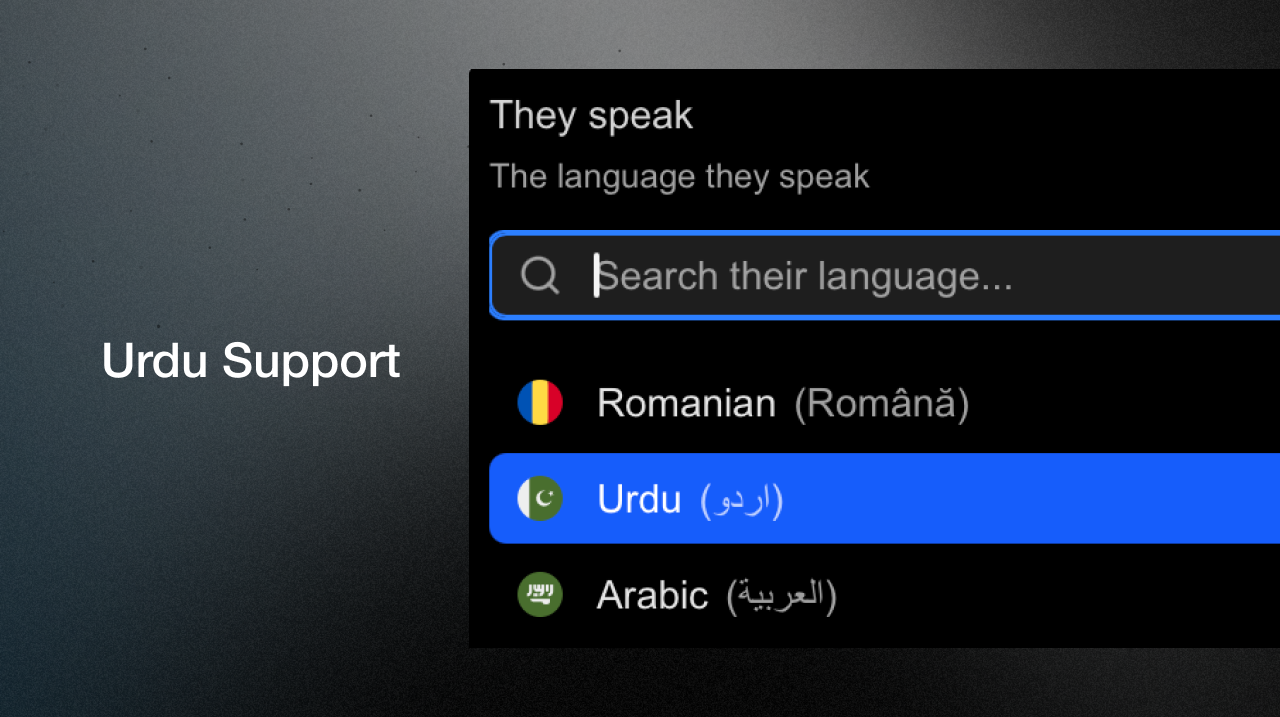
Urdu is now supported across transcription, translation, and Smart Suggestions. Spoken by over 230 million people worldwide, this update makes Deeptrue easier to use for a large global community.
Echo Cancellation Improved

Speaker output is now filtered out of the microphone feed so you no longer need to wear earphones. Echo has been reduced by over 90%, delivering clearer, more natural audio in your meetings.
Live Transcription Speed Boost
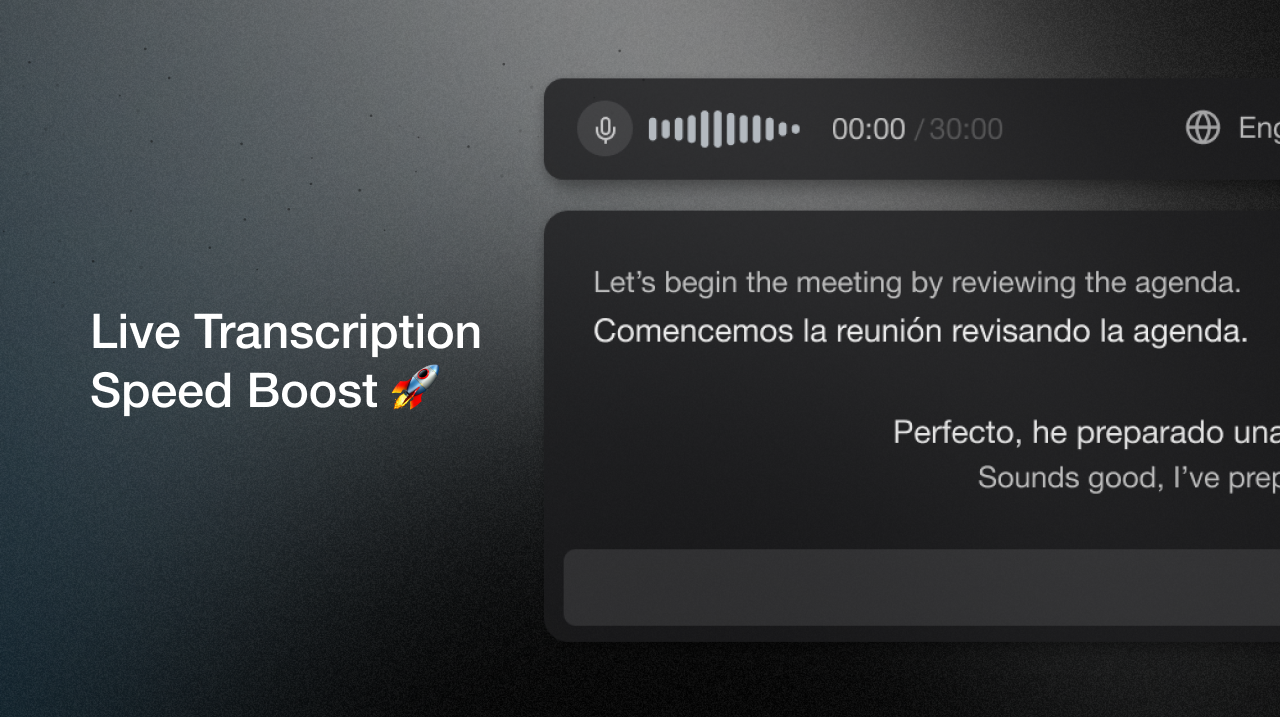
Big news: live transcription is now 4× faster with under 1s lag 🚀.
We rebuilt our live transcription so captions appear in under one second in sync with your words. With transcription this fast, translations and Smart Suggestions start sooner, letting you reply without delay.
Practice mode
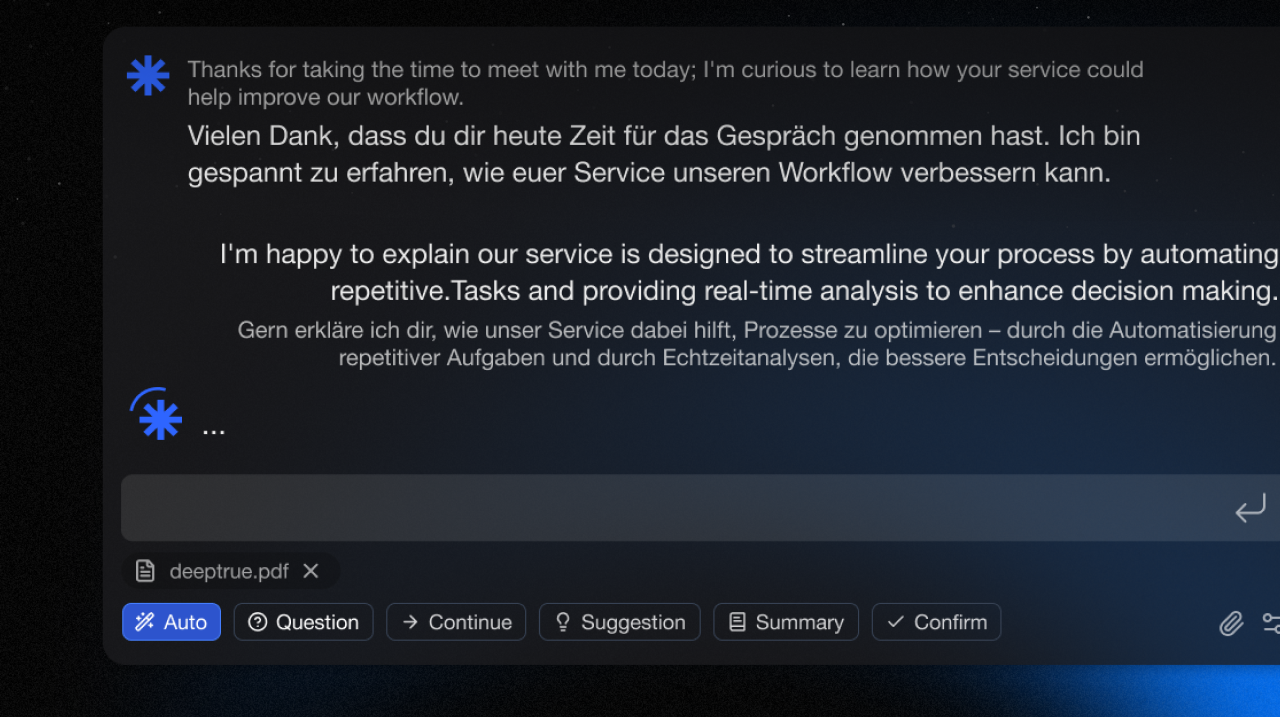
We’ve introduced a new Practice Mode, enabling users to simulate conversations with an AI partner before using Deeptrue in actual meetings.
What’s new
- Preset Scenarios: Includes predefined situations such as sales calls, presentations, and interviews.
- Custom Scenarios: Users can modify the scenario using instructions to match their specific use case.
Practice Mode runs automatically the first time and can be toggled on or off anytime from ⚙️Settings > Instructions > Practice Mode.
By using Smart Suggestions during these simulations, users can practice effective and flexible responses—making it easier to handle real meetings with confidence.
Smart Suggestion Advanced
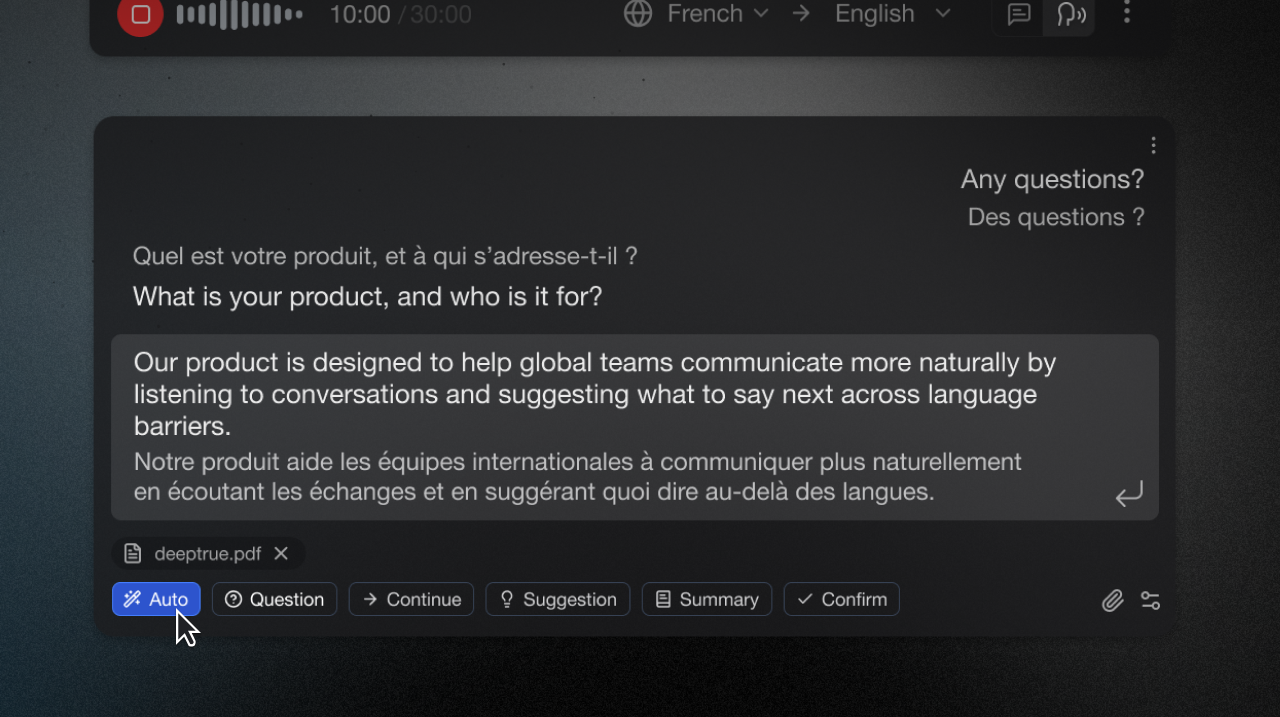
We’ve added an advanced mode to Smart Suggestion.
What’s new
- Suggestion Templates: Customize reply styles like “Question” or “Continue” to fit your tone. Use them anytime, or just press Auto for smart, instant responses without presets.
- File Upload: Click the 📎 icon to upload supporting materials like presentations or documents. The AI will reference these files to generate more accurate and context-aware suggestions.
This update allows for greater customization and responsiveness across all modes. By tailoring Smart Suggestions to your communication context and uploading relevant content, you can guide the AI to deliver more relevant replies.
Real-time Translation in Assistant Mode
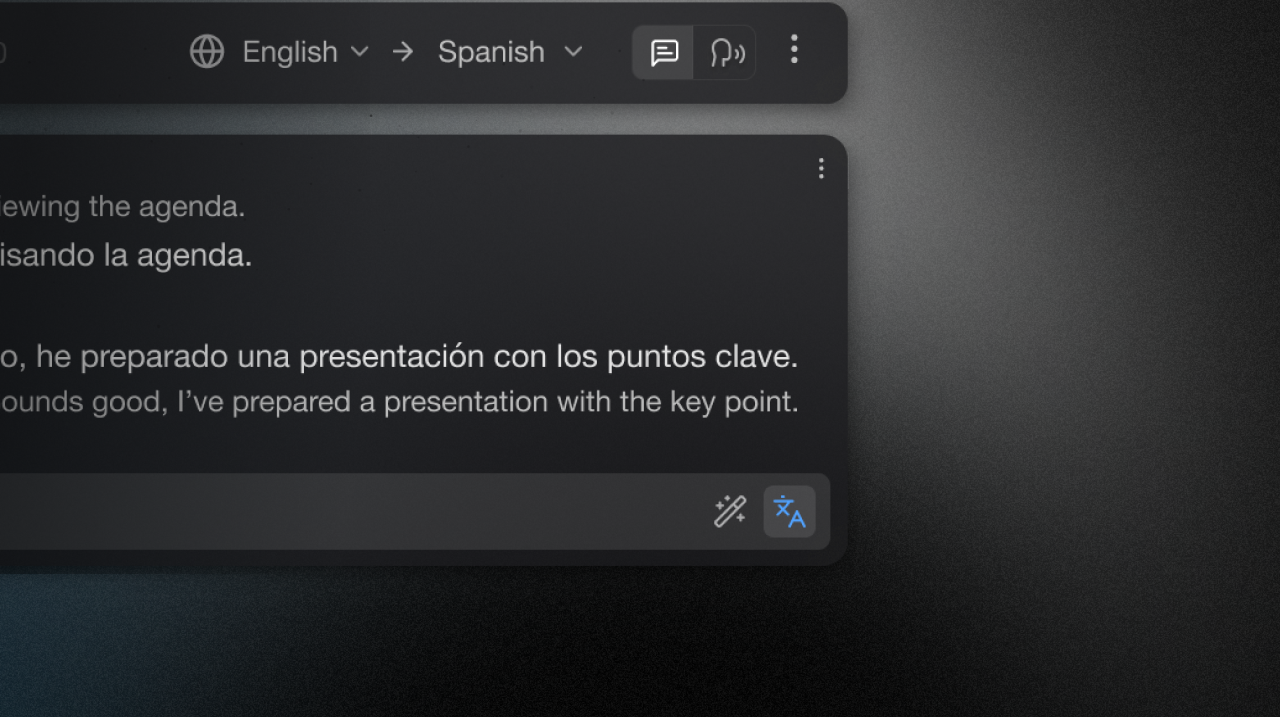
We’ve added real-time translation support to Assistant Mode in Deeptrue.
What’s new
You can now type in your own language and get an immediate translation ready to speak.
In Assistant Mode, you can now type text and see the translated version instantly by pressing Enter or clicking the 文A button.
This update is designed to help users participate more confidently in meetings conducted in a second language, without switching tools or losing flow.
Use it when you don’t know how to say what you want to say.
Deeptrue Copilot Beta Launch
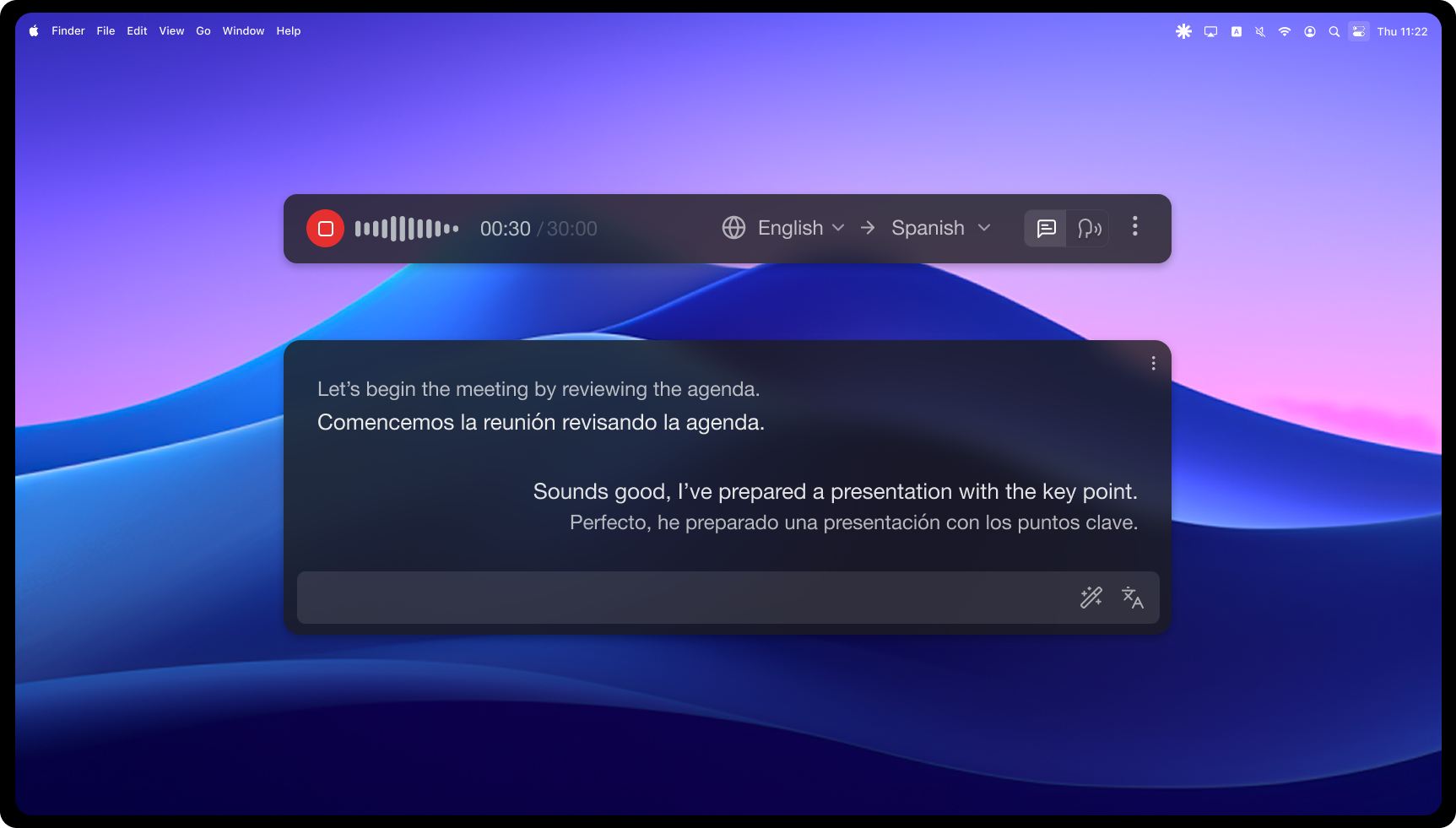
We’re excited to announce the beta release of Deeptrue Copilot!
This initial version introduces:
- 🎤 Real-time voice translation across multiple languages
- 🗣️ AI-powered conversation suggestions to assist your next reply
- 🪄 Cross-platform compatibility with Zoom, Teams, Meet, and more
Stay tuned — we’re just getting started.